Gullak is a minimal, offline-first personal finance and daily expense tracker. No logins, no cloud tracking, and no bank sync. Track your daily spend with quick natural language commands or intuitive taps — strictly on your Android device.

Log spending in natural human language without touching buttons. Gullak runs an on-device NLP parser so your queries never leave your smartphone.

200 on chai" → Logged to Dining!
Simply open the chat and speak or type naturally. Gullak maps natural terms like "pizza", "uber", or "petrol" directly to expense categories, prompts for clarification if details are missing, and responds with emotional expressions.
Try typing commands like:
Experience how Gullak models your daily cash flow, limits spending, and monitors your savings balance in real-time.
Clean, distraction-free expense management without third-party tracking or cloud vulnerability.
All records are stored locally in Android's isolated app sandbox. No remote databases, no passwords to leak, and zero telemetry tracking.
Add transactions in seconds. Choose from preset expense categories (Food, Chai, Fuel, Shopping) or configure custom tags with custom icons.
Watch your savings grow month over month. Set dedicated milestone pots for emergencies, travel, or personal projects.
You own 100% of your financial records. Export your complete ledger into standard open CSV or encrypted JSON backups anytime.
Keep track of money borrowed or lent to friends and family with built-in debt settlement tracking and payment timestamps.
With no background synchronizations, ads, or third-party web trackers running, Gullak stays completely dormant when you're not using it.
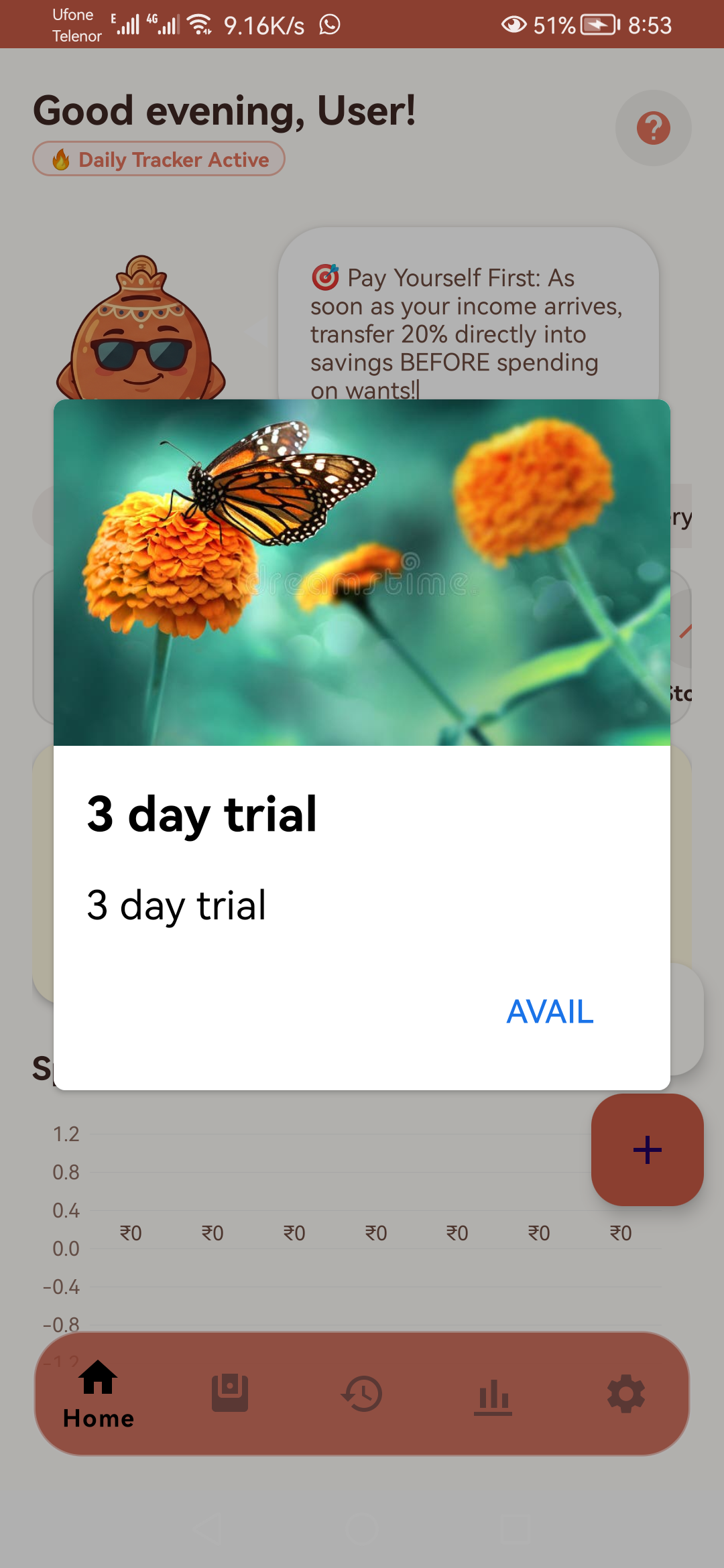
Direct captures from Gullak Android running on real hardware. Click any screen to zoom and inspect.
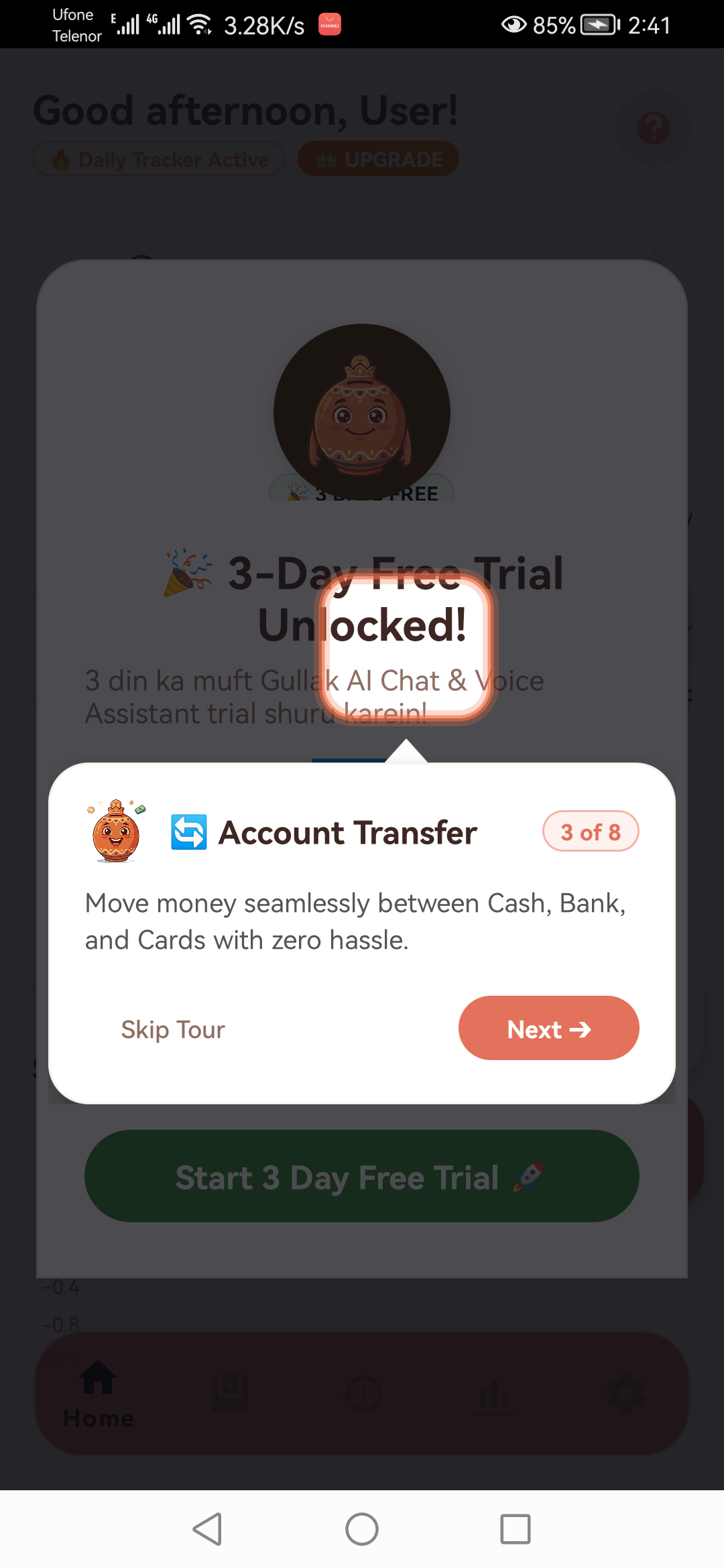
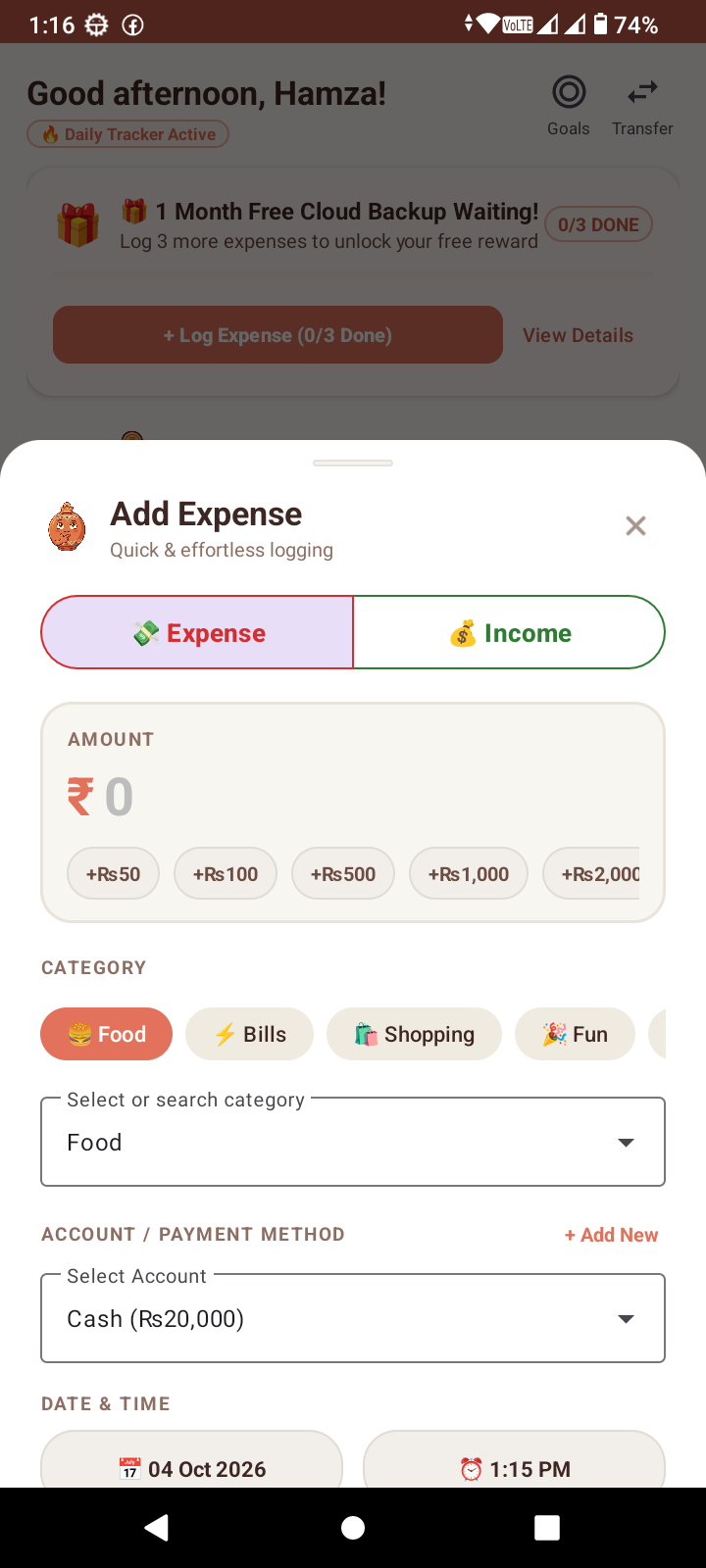
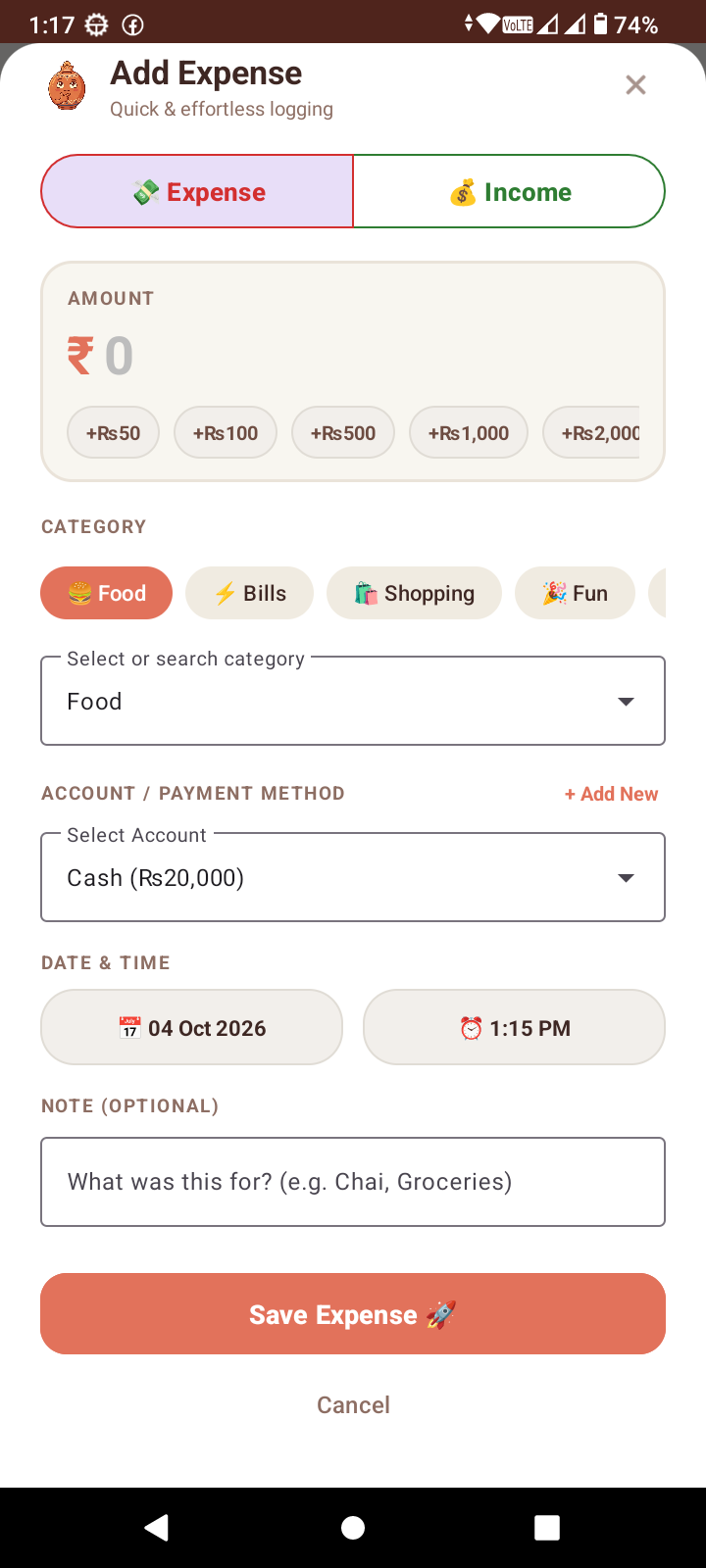
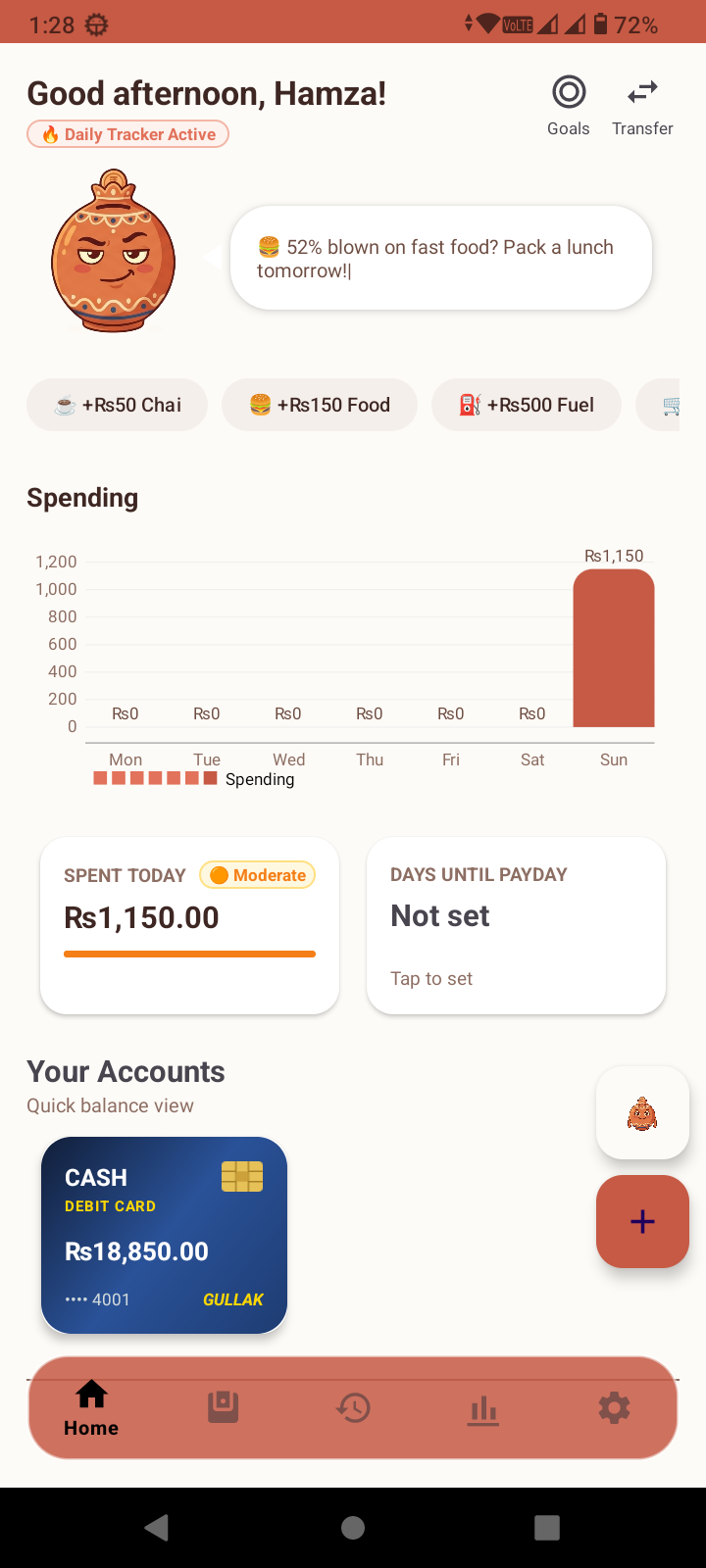
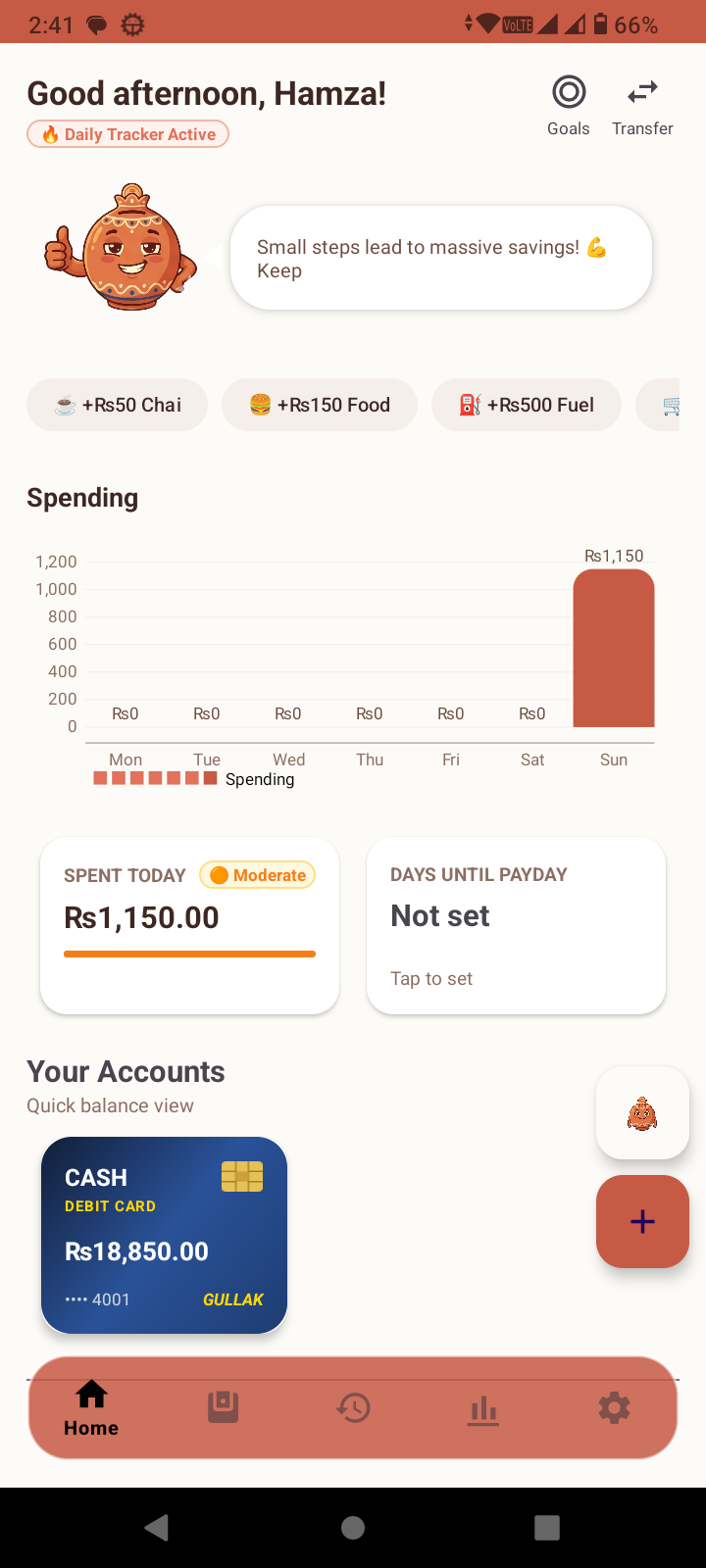
Compare the privacy differences between offline-first architecture and cloud surveillance apps.
| Security & Privacy Metric | Gullak (Soloship Studio) | Typical Cloud Budget Apps |
|---|---|---|
| Storage Architecture | ✓ 100% Local SQLite Sandbox | ✗ Centralized AWS / Cloud DBs |
| Account & Registration | ✓ Zero Accounts Required | ✗ Mandatory Email, Phone & PII |
| Ad Trackers & Brokers | ✓ Zero Ad Networks / SDKs | ✗ Embedded Ad & Retargeting Trackers |
| Offline Reliability | ✓ 100% Functional Without Internet | ✗ Freezes or Fails Offline |
| Subscription Model | ✓ Free on Google Play | ✗ $8 - $15 / month recurring fees |
| Data Export Rights | ✓ 1-Tap Open CSV & JSON | ✗ Proprietary formats or paywalled |
Clear answers regarding Gullak's data sovereignty, local backup routines, and Android compatibility.
Yes, completely. Gullak has no remote database servers or cloud accounts. When you record a transaction or chat with the mascot, everything is processed and stored strictly inside an isolated SQLite database on your Android phone.
Gullak utilizes an intelligent on-device natural language parser and local keyword entity extraction. Commands like "spent 200 on chai" or "pizza 45" are parsed natively on your CPU in milliseconds without transmitting audio or text to any cloud API.
In Gullak's Settings, simply tap "Export Backup (JSON/CSV)". Save the file to your device or Google Drive. On your new phone, install Gullak and tap "Import Backup" to restore your entire financial history immediately.
Gullak supports Android 8.0 (Oreo) through Android 15+. It has been engineered with lightweight native components, requiring less than 15 MB of storage space.
Our studio support desk is reachable at info@soloship.store. We review all feedback and bug reports, typically replying within 24 hours.